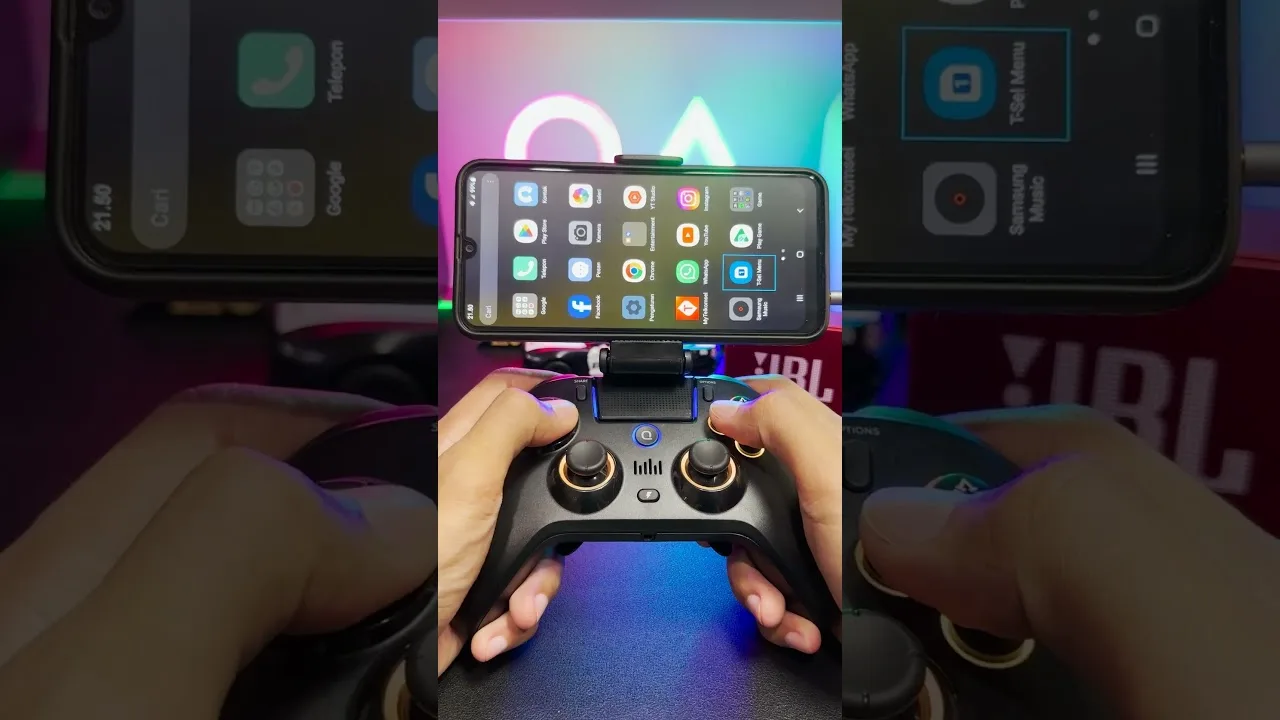
Quick answer: yes. GTA San Andreas on Android and iPhone/iPad supports game controllers. When Rockstar launched the mobile port in 2013 it announced full controller support, including Made-for-iOS (MFi) controllers (iMore, Gematsu). The Definitive Edition released on phones in 2023 also plays with a controller, and even accepts the console cheat button combos.
Touch controls make flying, aiming and drive-bys much harder than they need to be. A gamepad brings back the console feel, and it works with the GTA San Andreas Mod APK too, since that is built on the same mobile port. This guide shows how to connect a controller, remap buttons, and fix the common problems.
Which Controllers Work With GTA San Andreas Mobile?
The rule is simple: if your phone recognises the controller as a game controller, the game can use it.
- iPhone and iPad: Apple supports Xbox Wireless controllers, PlayStation DualShock 4 and DualSense controllers, and MFi controllers. Those are the safest choices.
- Android: most Bluetooth gamepads that Android lists as a game controller work, including Xbox Wireless and PlayStation controllers. Clip-on USB-C controllers that plug straight into the phone (Razer Kishi, Backbone and similar) also work, because the phone sees them as a standard gamepad.
- Watch out for: cheap "mobile gamepads" that pretend to be a keyboard or mouse instead of a controller. The game doesn't treat those as a gamepad, so buttons won't map properly.
Original Mobile Port vs Definitive Edition With a Controller
- Original 2013 port (and mod APKs): controller support is built in, with a joypad option in the control settings for remapping (see below).
- Definitive Edition (Netflix / store app): connect the controller before launching and the game switches to controller prompts. You can also enter console cheat button sequences during gameplay (details in our iOS cheats guide).
Step-by-Step Bluetooth Pairing Guide for Android & iOS
Connecting your controller via Bluetooth takes just a few seconds.
- Put your controller into pairing mode: For PlayStation controllers, hold the PS button and the Share button until the light bar flashes rapidly. For Xbox controllers, hold the Sync button on the top until the Xbox logo blinks quickly.
- Open your phone settings: Navigate to Settings, then Bluetooth. Make sure Bluetooth is turned on.
- Select the controller: Look for "Wireless Controller" or "Xbox Wireless Controller" in the list of available devices and tap it to pair.
- Launch the game: Start GTA San Andreas. The game will automatically detect the connected gamepad.
In-Game Configuration: Redefine Controls
Once connected, you should verify the button assignments. Go to Options, select Controls, and then tap on Redefine Controls. Choose the Joypad option. You can manually assign actions to specific buttons to match your preferred playstyle.
Here are the recommended button mappings for a modern layout:
- Sprint: A (Xbox) / Cross (PlayStation)
- Jump: X (Xbox) / Square (PlayStation)
- Attack/Shoot: Right Trigger (R2/RT)
- Enter Vehicle: Y (Xbox) / Triangle (PlayStation)
- Handbrake: Right Bumper (R1/RB)
- Weapon Switch: D-Pad Left and Right
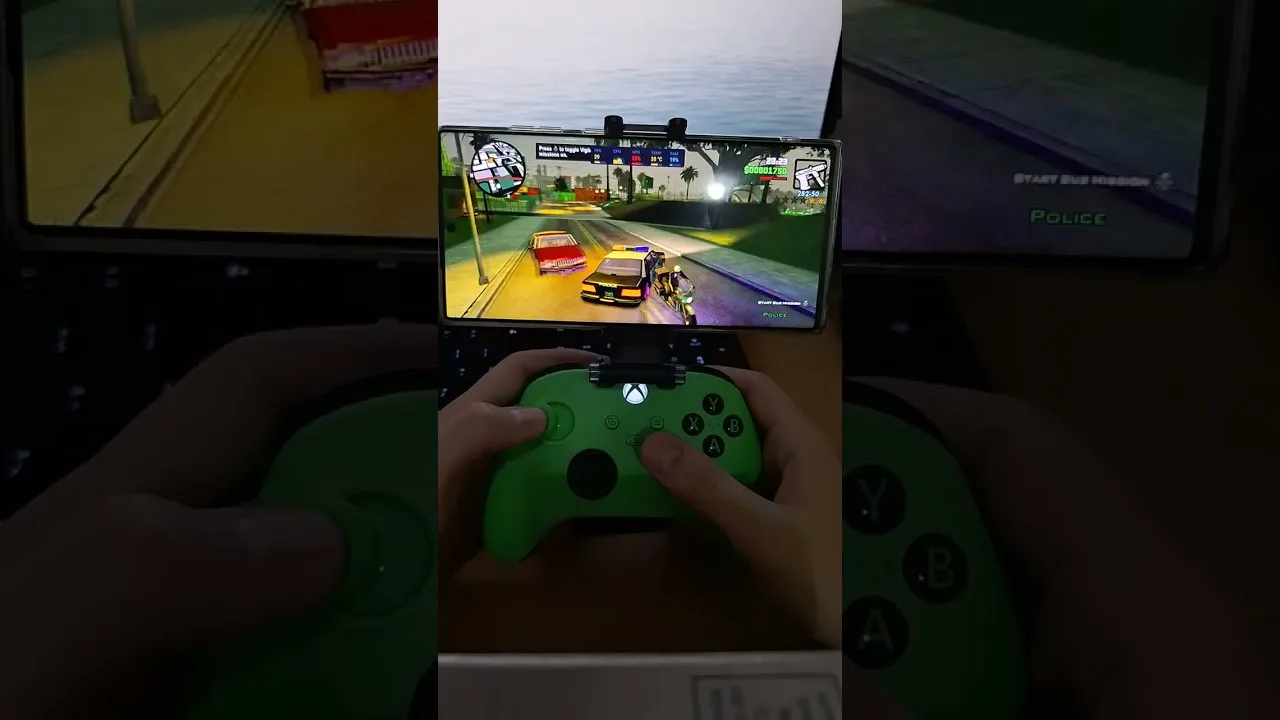
Flight Controls Setup
The Flight School missions in the desert are incredibly frustrating with touch controls. Setting up your controller specifically for flying is a complete game-changer. Map your throttle to the Right Trigger and your reverse/brake to the Left Trigger. Pitch control should be assigned to the Left Analog Stick (up and down), and rudder yaw should go to the L1 and R1 bumpers. This mimics modern flight controls and makes completing the flying missions easy.
Advanced Troubleshooting
Sometimes hardware does not cooperate perfectly. Here is how to fix common controller issues.
How to fix the spinning camera bug: If your camera constantly spins in circles, your right analog stick has deadzone drift. Go to the Redefine Controls menu and slightly lower the analog stick sensitivity until the spinning stops.
How to fix unresponsive L2/R2 triggers on Android: Certain versions of Android 11 through 14 have a known bug that prevents analog triggers from registering properly in older games. If you cannot accelerate your car, go to the control settings and remap accelerate and brake to the R1 and L1 shoulder buttons instead.
Dealing with Bluetooth input lag: If your button presses feel delayed, it is likely due to 2.4GHz Wi-Fi interference. Try turning off your phone Wi-Fi or switching your router to a 5GHz band. Additionally, disable battery saver mode on your phone, as it aggressively limits Bluetooth polling rates.
Controller Comparison Matrix
| Gamepad Model | Connection Type | Latency | Native Compatibility | Comfort Rating |
|---|---|---|---|---|
| Razer Kishi V2 | USB-C Direct | Zero | Excellent | High |
| Xbox Wireless | Bluetooth | Low | Excellent | Highest |
| PS5 DualSense | Bluetooth | Low | Good (Triggers vary) | High |
| Backbone One | USB-C Direct | Zero | Excellent | High |
| 8BitDo Pro 2 | Bluetooth | Medium | Good | Medium |
Playing with a controller completely changes the experience. If you are stuck on a difficult mission, checking out our Android cheat codes can also give you the edge you need.
Related Guides
Frequently Asked Questions
Does GTA San Andreas mobile support controllers?
Yes. The Android and iOS versions support game controllers, including Xbox Wireless and PlayStation DualShock 4 and DualSense controllers on iPhone and most Bluetooth gamepads on Android. Rockstar announced full controller support when the mobile port launched in 2013, and the Definitive Edition also plays with a controller.
Can I use a PS5 controller to play GTA San Andreas on mobile?
Yes, the PS5 DualSense controller works perfectly on both iOS and Android via Bluetooth. You can map the buttons directly in the game settings.
Why is my camera spinning when using a controller?
A spinning camera is usually caused by analog stick drift or improper deadzone calibration. You can fix this by adjusting the right stick sensitivity in the Redefine Controls menu.
Does the Xbox Wireless Controller work on Android?
Yes, Xbox Wireless Controllers (Series X/S and Xbox One Bluetooth models) are fully supported on Android devices for GTA San Andreas.
How do I fix L2 and R2 trigger issues on Android?
Some Android versions have a bug where the analog triggers do not register properly. Remapping the accelerate and brake controls to the R1 and L1 shoulder bumpers is the best workaround.
Can I use wired controllers via USB-C?
Yes, using a USB-C OTG cable or direct connection with controllers like the Razer Kishi will provide a zero-latency gaming experience.